Skip to content
Open the office

A virtual office for one workspace

See who is in, and walk over.

Remote teams lose the part of an office where you can see that somebody is at their desk. Piskes Space gives every workspace one shared floor plan: each person is a small round figure, and you watch each other move, change status and say things, as it happens.

Everyone in the workspace, nobody elseBubbles are never storedNo audio or video yet

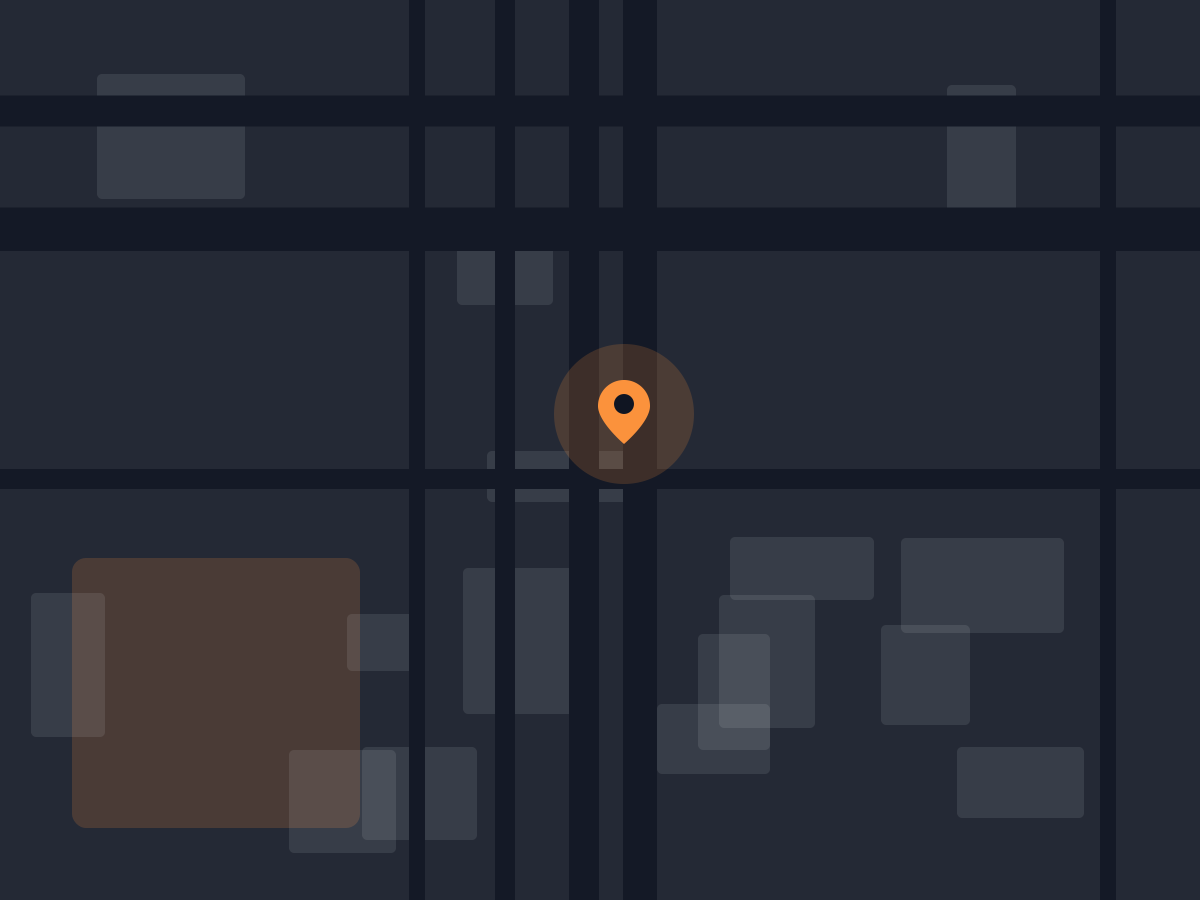
A plan view with separate rooms, open floor between them and one marked point
1Office per workspace
4Rooms on the floor plan
50People in one office at once
0Messages written to a database

The office

A meeting room, a kitchen, a lounge and a floor of desks.

One fixed floor plan, the same for every workspace. Walls are walls and doors are doors, so you walk through the gap rather than through the plaster. The panel beside the map lists who is in and which room they are standing in.

Your workspace, and only your workspaceThe office is chosen from your membership on the server. Nobody outside the workspace gets a way in, and there are no guest passes.
Rooms with a head countEach room shows how many people are in it. Click one and your figure walks there by itself.
A figure that is yoursPick one of ten colours or any colour you like. Everyone else sees the same one.
An interior opening onto a lit space beyond

Getting around

Walking is the interface, so it has to be easy.

A virtual office where moving is a chore is one people open once. Here every way of getting somewhere takes one key or one click.

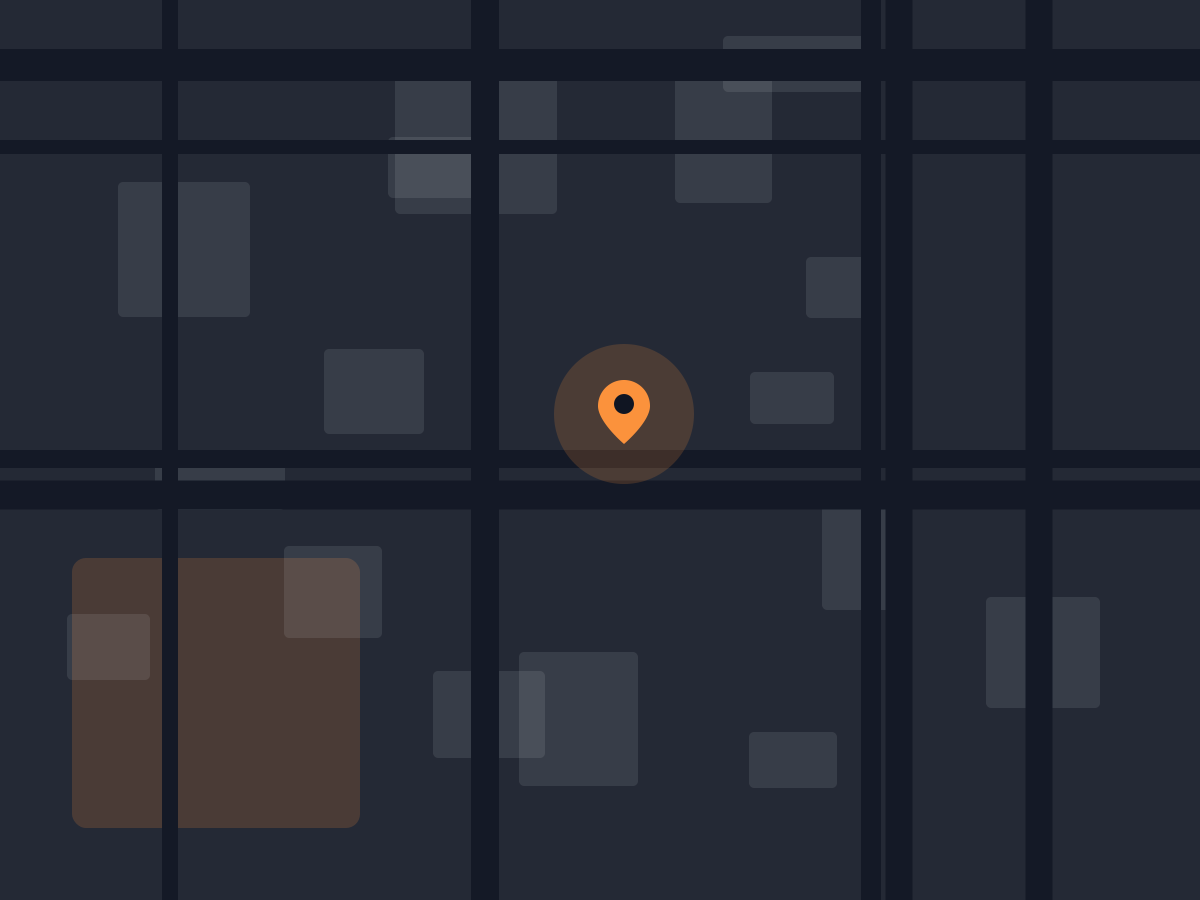
A route drawn from one side of a plan view to a marked point

Click where you want to be

Click a spot on the map and your figure finds its own way there, around the desks and through the door. W A S D or the arrow keys work too, for the people who would rather steer. Everyone else in the office sees you walk, not jump.

Walk to a person

Click a name in the list and you walk to stand beside them. No searching the map for a colour.

Follow someone

Follow a colleague and you keep up as they move between rooms. Esc, or any movement of your own, stops it.

Find someone

Once eight or more people are in, a box filters the list as you type, and ignores Vietnamese marks: “bao” finds Bảo.

Saying things

Enough to get someone’s attention. Not a second chat app.

Everything you say here disappears. If it needs to be kept, it belongs somewhere that keeps things.

A bubble over your head

Up to 200 characters, shown to everyone in the office for six seconds and then gone. It is relayed, never written down.

Six reactions

A wave, a thumbs up, a heart, a laugh, a celebration and a coffee, on keys 1 to 6. They float up over you and fade.

A status people can read

Available, busy or away, as a dot on your figure. Leave the tab in the background for five minutes and available turns to away until you come back.

On a big screen and a small one

Zoom in and out, with a minimapHide the side panel with PA phone layout that follows youA list of every shortcut on ?Light and dark themesOne figure per person, however many tabs

Honestly

Against what a remote team does instead.

The last row is the one to read first if you came here from a virtual office that has voice.

A chat channelA video call left openPiskes Space
Who is around right nowA green dot per nameWhoever has not leftWhere they are standing, and their status
Getting someone’s attentionA message they may read laterTalk over the meetingWalk over and say something
What is kept afterwardsEverything, searchableNothing, unless recordedNothing
Cost of leaving it open all dayLowA camera and a fanA browser tab
Hearing the person beside youNoYes, and everyone else tooNot yet — no audio or video

The limit to know first: there is no voice and no video. Standing next to someone does not open a call. It is planned, and it is not built, so if talking by walking up to people is the reason you are here, this is not ready for you today.

Questions

The ones asked by people who have used a virtual office before.

Can I talk to people, by voice or video?

Not yet. Proximity audio and video are planned and not built. Today the office is presence, movement, status and short text bubbles, and nothing else.

Can we design our own map?

No. Every workspace gets the same floor plan: a meeting room, a kitchen, a lounge and eight desks. Custom maps are written down as a later idea, not scheduled work.

Can we invite a client or a candidate in?

No. The office is for members of the workspace. Guests are deliberately left out, because who can see your team moving around is a question to settle before anyone can walk in.

Is what we say recorded?

No. A bubble is passed to the people in the office and discarded. There is no chat history, no search and nothing to export, which is the point of it.

What happens with two tabs open?

You are one person. The newest tab is the one in the office, and the older one offers a “Use here” button to take it back.

What does it cost?

Nothing is charged today, because Piskes has not switched billing on and there is no paid plan to buy. When there is one, this page will say what it costs.
Open the office. Leave the tab open.

Sign in with your Piskes account and you are standing at the entrance of your workspace’s office. The people already in it are there when you arrive.

Same sign-in as every Piskes app. No card, no install.