Quick notes, checklists and an archive
Write it down before it goes, and find it again next week.
Piskes Notes is a wall of small cards: a title, some text or a checklist, a colour if you want one. Pin what you need this week, archive what you are done with, and search the rest. It saves as you type.
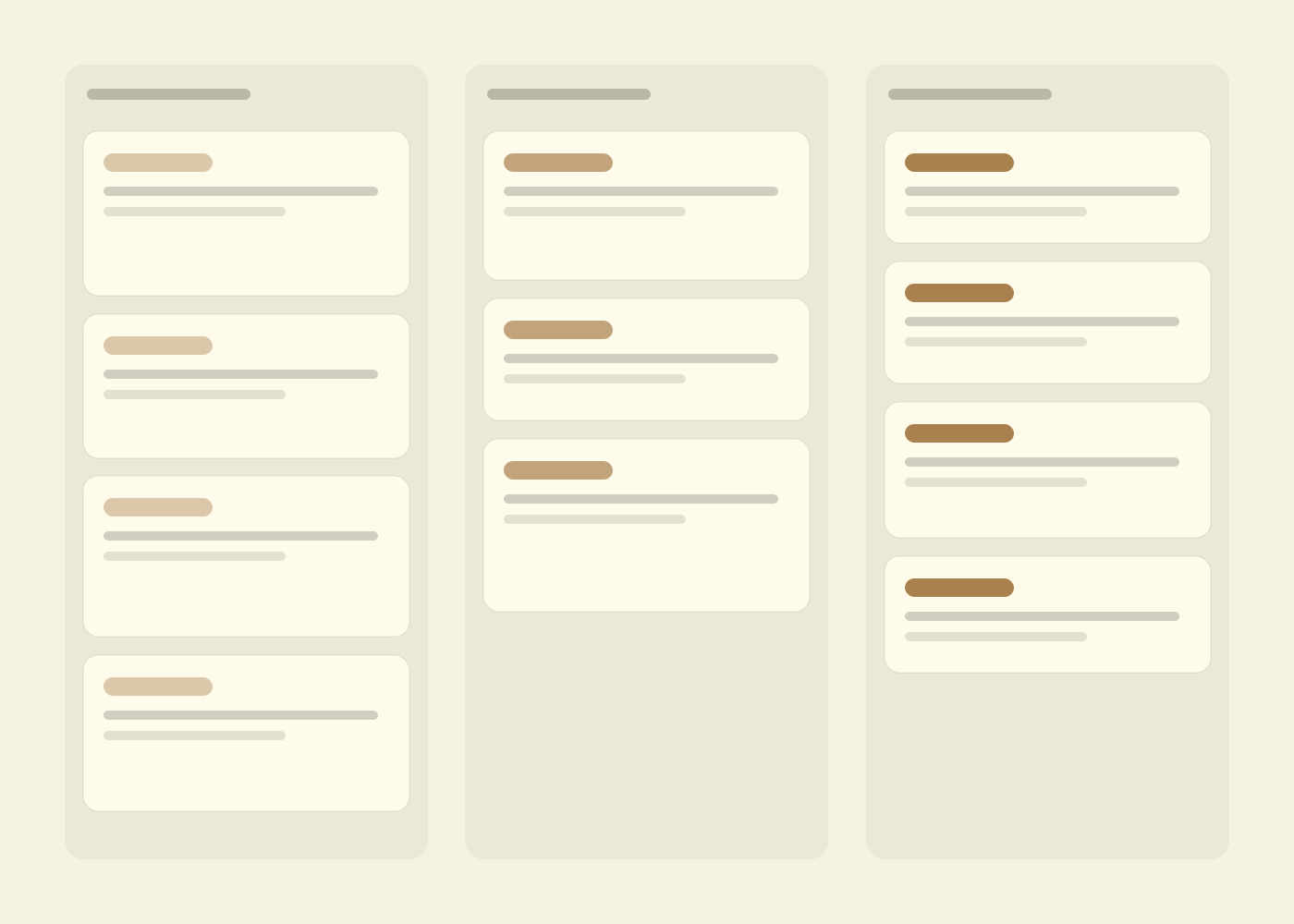
Taking a note
Click the box, type, click anywhere else.
The note is saved when you click away or press Escape. Skip the title and the first line becomes one, with the text left whole underneath it.
Filing
Six ways to keep a wall of notes readable.
None of them needs setting up. They are buttons on the card.
Pinned first
Pinned notes get a section of their own at the top; everything else is newest edit first.
Archive, with Undo
Archiving takes a note off the wall without deleting it and unpins it. The notice that follows has an Undo button.
Search title and text
The wall narrows to notes whose title or text contains what you type. Press / anywhere on the page to jump to the box.
Tick on the card
Checklist items can be ticked straight from the wall, without opening the note.
No bottom to the list
More notes load as you scroll, fifty at a time, so the hundred-and-first is as reachable as the first.
English and Vietnamese
Every label in the app in either language, switched from the header.
Saving
It saves when you stop typing, and it will not quietly overwrite you.
Open a note and edit it. Under a second after you pause, it is saved, and a line at the top says so. There is nothing to press, though Ctrl+S or Cmd+S works if the habit is strong.
Labels
No labels or folders. Colour, pins, the archive and search are the ways to sort notes.
Reminders
A note cannot remind you of anything at a time or a place.
Sharing
Every note is private to your account. Nobody can be invited to read or edit one.
Pictures, drawings and voice
Text only. A checklist is text too, one line per item.
Formatting
Plain text: no bold, no headings, and a web address is not a link you can click.
A bin
Deleting asks once, then the note is gone. The archive is where notes you might want back belong.
Export
There is no way to download your notes yet.
Accented capitals in search
Search ignores case for unaccented letters only, so “ĐI” does not find “đi” yet.
Questions
The ones asked before the first note, not after the hundredth.
Who can read my notes?
Only you, signed in as you. A note that belongs to someone else answers as if it did not exist, so there is nothing to find by guessing.
How much can one note hold?
A title of up to 200 characters and up to 200,000 characters of text. There is no cap on how many notes you keep.
What if I edit the same note in two tabs?
The second save to arrive is refused instead of silently replacing the first. You see a banner and choose which version stays.
Can the Piskes assistant read or write my notes?
Not yet. Notes has no connection to the agent today, so nothing reads your notes except you.
What does it cost?
Nothing is charged for it today. Piskes has no paid plans live yet, and nothing in Notes checks a plan.
Take the note now. Sort it out later.
Sign in with your Piskes account and the box at the top of the wall is waiting. Pins, colours and the archive are there when the wall starts to fill.