A personal calendar, one month at a time
Click a day. Type what is happening. That is the whole calendar.
Piskes Calendar is a month grid of your own events, private to your account. It does not invite anyone, send reminders or repeat a meeting yet. It holds the dates you put in it and shows them back to you a month at a time.
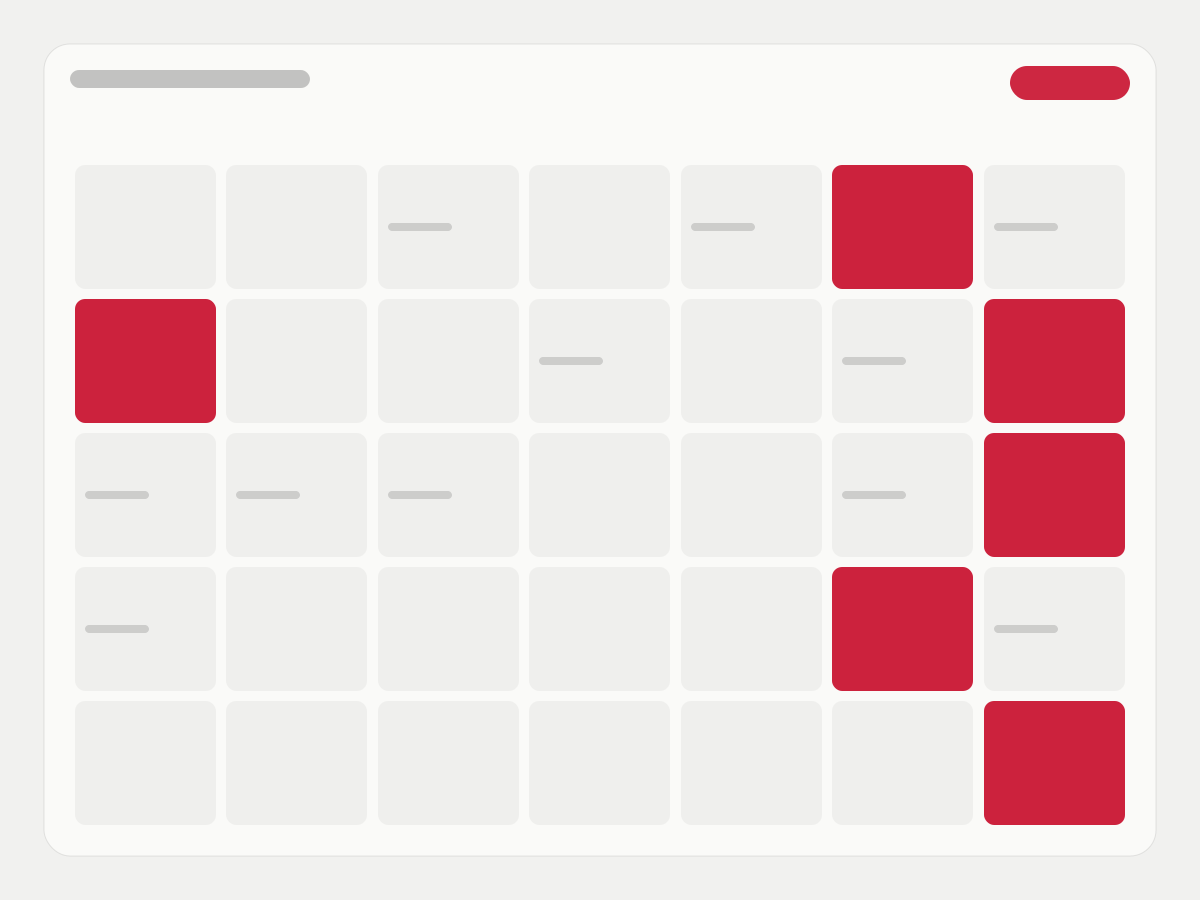
The month
Forty-two squares, starting on a Sunday.
The grid is the month you are in plus the days either side of it, so the first and last weeks are never cut off. Today is circled. Three buttons move you: back a month, forward a month, and back to today.
An event
Six fields, and only the title is required.
Start and end arrive as a one-hour slot on the day you clicked; everything else can stay blank.
A title
Up to 200 characters. It is the only thing the grid shows, so it is the only thing you have to fill in.
A start and an end
Entered in your browser’s local time. An end before the start is refused, including when only one of the two is being changed.
All day
A switch that marks the event as all-day rather than timed.
A place
Free text up to 500 characters. It is a line of text, not a map lookup.
Notes
Up to 10,000 characters for the agenda, the door code or the thing you must not forget to bring.
Yours alone
Every read and write is tied to your signed-in account. An event that belongs to someone else answers exactly as if it did not exist.
Not yet
What a full calendar does, and what this one does today.
Every “Not yet” below is something people assume a calendar does. It is listed here so nobody finds out in their first week.
| What you might expect | Piskes Calendar today | |
|---|---|---|
| Month view | Yes | Yes |
| Week, day or agenda view | Yes | Not yet — month only |
| Repeating events | Weekly, monthly, custom | Not yet — each one is entered |
| Reminders before an event | A notification or an email | Not yet |
| Inviting other people | Guests and their replies | Not yet — nobody else sees it |
| Invitations you receive by email | Added to the calendar | Not yet — they stay in the mailbox |
| Importing or exporting .ics | Yes | Not yet |
| An event over several days | A bar across the days | Shown on its start day only |
| A fourth event on one day | Opens from the day | Counted, not yet openable |
| Language | Several | English |
Questions
The ones to ask before putting a date in it.
Who can see my events?
Only you, signed in as you. There is no sharing and no team view yet, which also means there is nobody to share with by mistake.
Which time zone does it use?
Your browser’s. Times are entered and shown in the zone of the device you are on, and stored as UTC, so an event keeps its moment in time when your device changes zone.
Can I bring my Google or Outlook calendar across?
Not yet. There is no import, no export and no sync; every event here was typed in here.
What happens when I delete an event?
You are asked once, and then it is gone. There is no bin to restore it from.
What does it cost?
Nothing is charged for it today. Piskes has no paid plans live yet, and nothing in Calendar checks a plan.
If I delete my Piskes account, are my events deleted with it?
Not by account deletion today — it does not reach calendar events yet. Delete the ones that matter before you close the account.
Put next month’s dates somewhere that is not a sticky note.
Sign in with your Piskes account and the current month opens. There are no settings to get through first, because there are no settings.